Mobile Ordering · For your customers
Scan.Order.Pay.
Customers scan the QR code on the table, browse your menu, place their order and pay — all from their own phone.
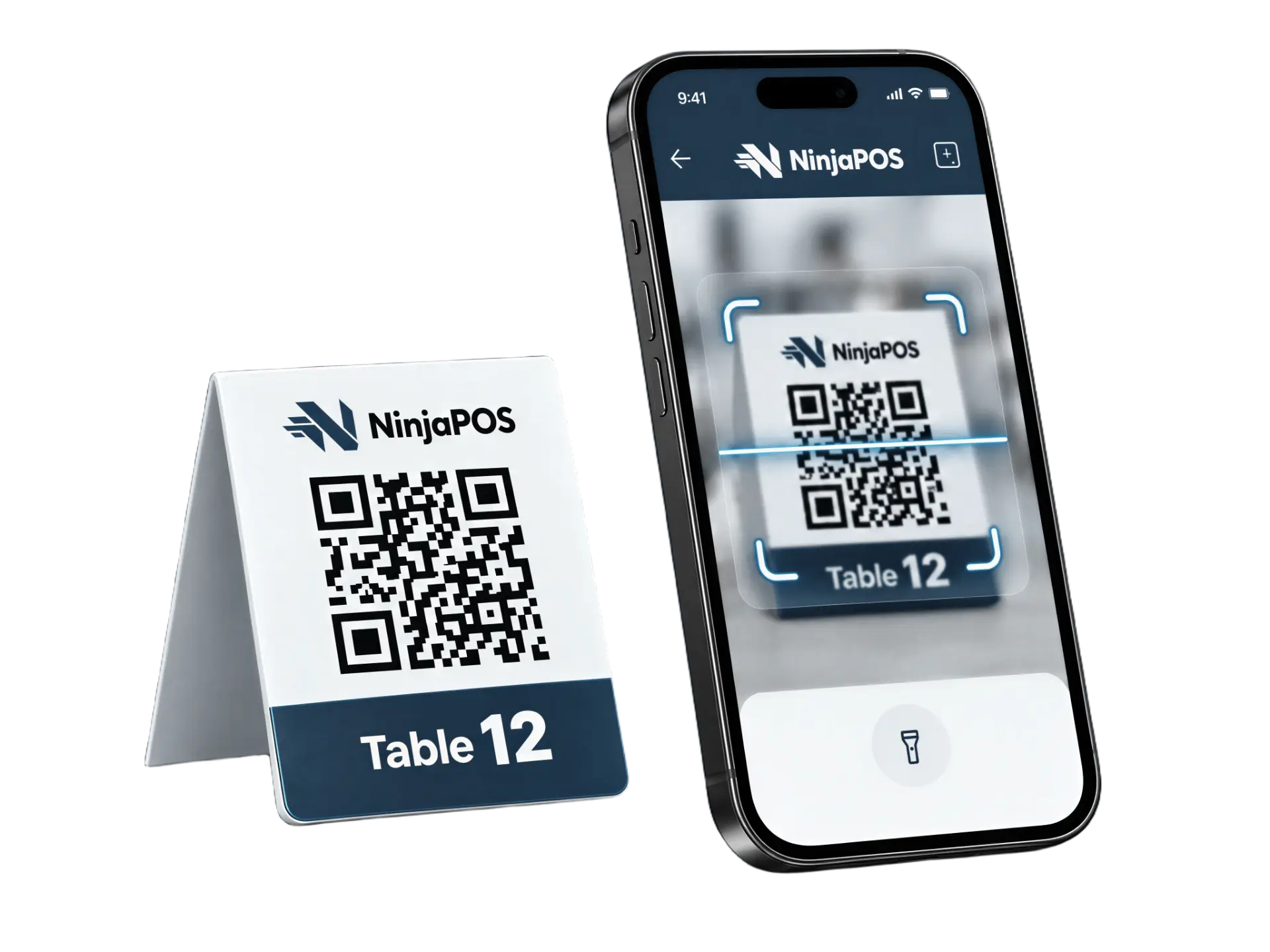
The customer journey
From table to kitchen in four taps
- 01
Scan QR Code
The guest scans the QR code at their table.
- 02
Browse Menu
A photo menu in their own language — no app needed.
- 03
Place Order
They send their order; it reaches the kitchen the moment it's placed.
- 04
Pay
They pay on their phone, or at the counter.
Key Benefits
Faster service your guests will love
- 01
No app needed
Guests open the menu straight from their phone camera.
- 02
Shorter waits
Orders go to the kitchen the moment they're placed.
- 03
Pay at the table
Guests settle the bill when they're ready — no waiting for the cheque.
Product in Action
Orders land where they belong
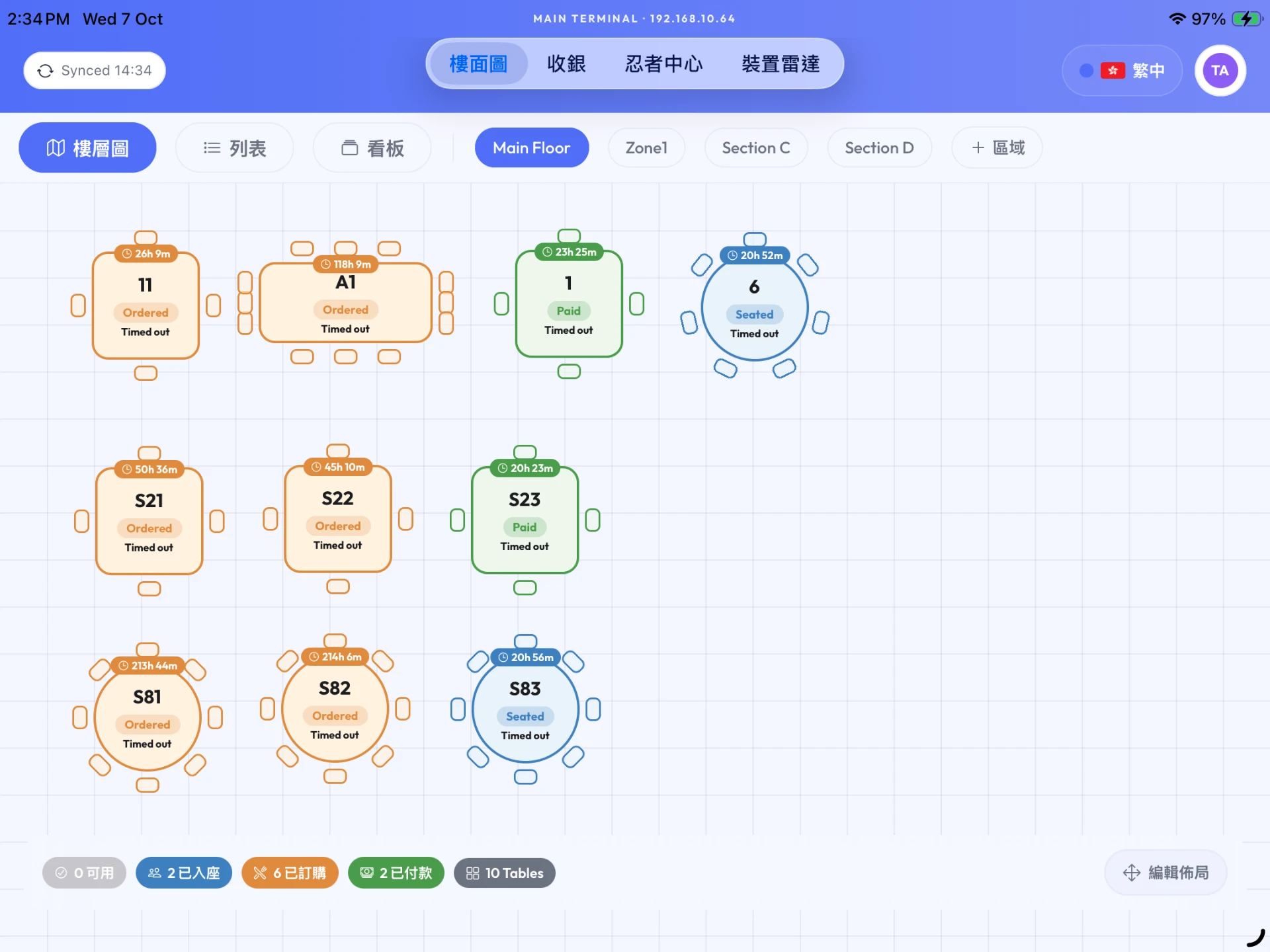
Every phone order appears in the NinjaPOS app and kitchen instantly, alongside the orders your staff take.
- Photo menu in your customers' language
- Order more rounds from the same table
- Kitchen slips print automatically